Automating the LEGO Donkey Kong Arcade: The Kong-o-Matic 2000
/“Too busy to play arcade games? Well, you’re in luck—now you can sit back and relax and let the Kong-o-Matic play for you!” (which is totally a real commercial tagline for my side hustle you are about to read about).
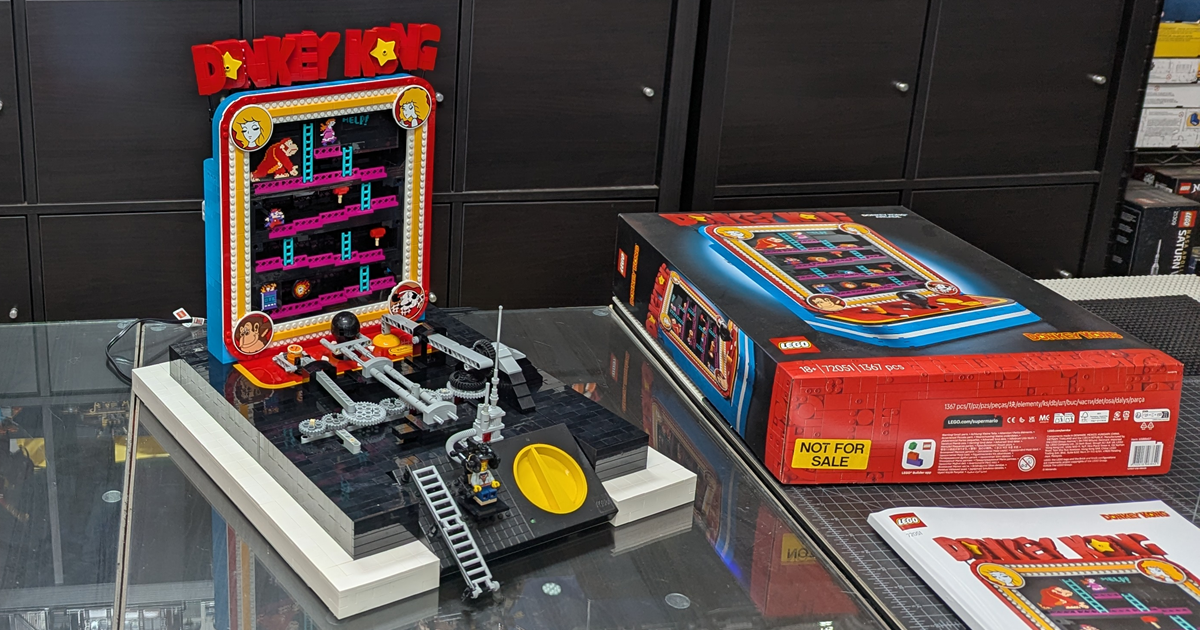
The Kong-o-matic 2000
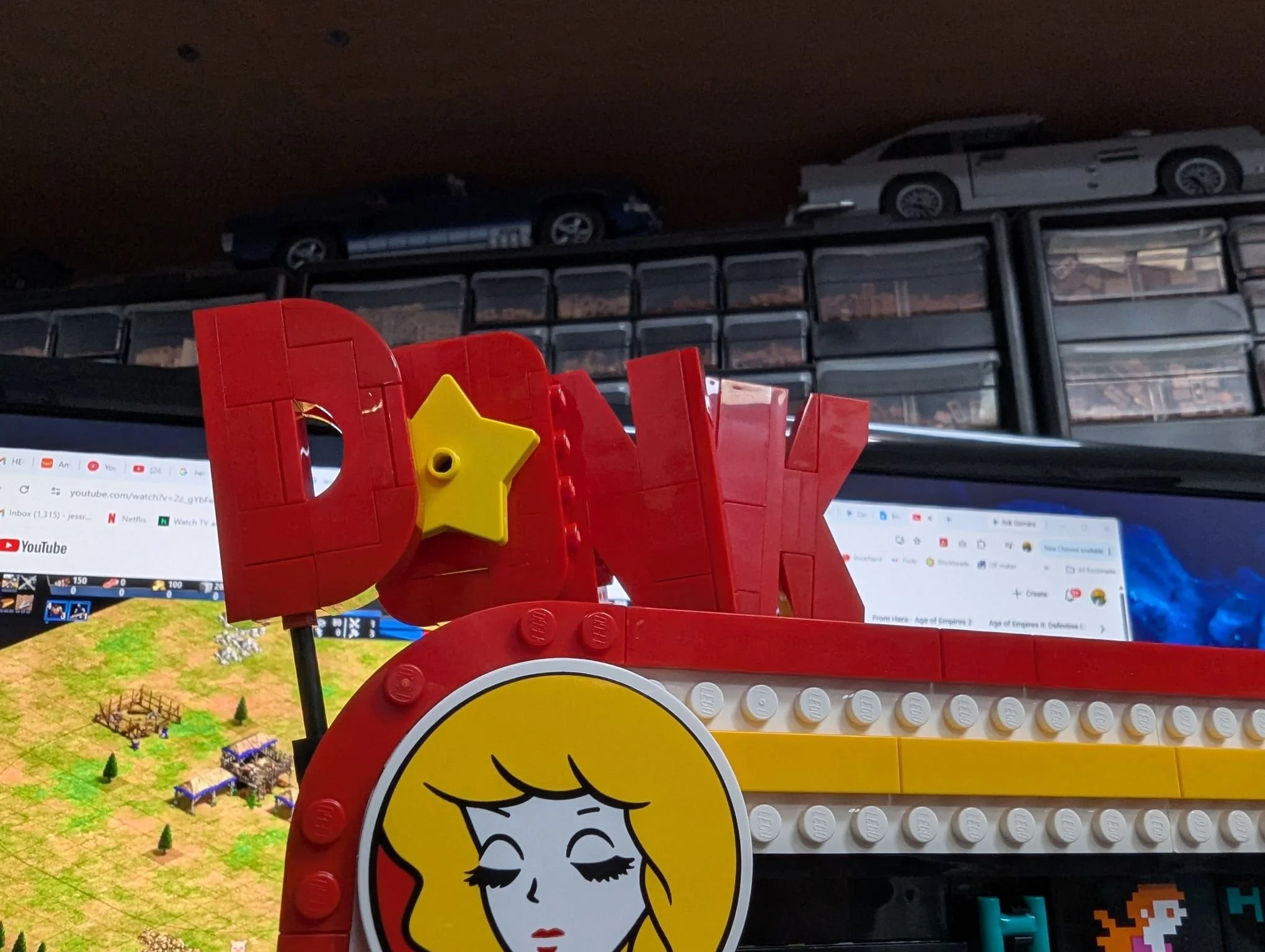
Hey everybody! Now that you’ve had a teaser of my silly project, let’s back up a bit and talk about the super cool LEGO Super Mario 72051 Donkey Kong Arcade set.
Jumping right into it, I am so impressed by the simplicity of the mechanisms that allow us old Nintendo geeks to repeatedly and reliably play the game continuously for as long as we want. I especially like that the barrel pull is just a ratchet that keeps pushing barrels up the left-side chute until they simply fall into the run and roll through the level by gravity. Very smooth work, LEGO designer! (Google tells me it was Carl Merriam—kudos, sir).
But as you all know, we’re not typically into the straightforward set overviews here at BrickNerd. (We leave that to our very capable pals like Jay’s Brick Blog or New Elementary, among others. That said, I’ll provide a slideshow of the photos I took while building the set if anyone wants to leaf through them.
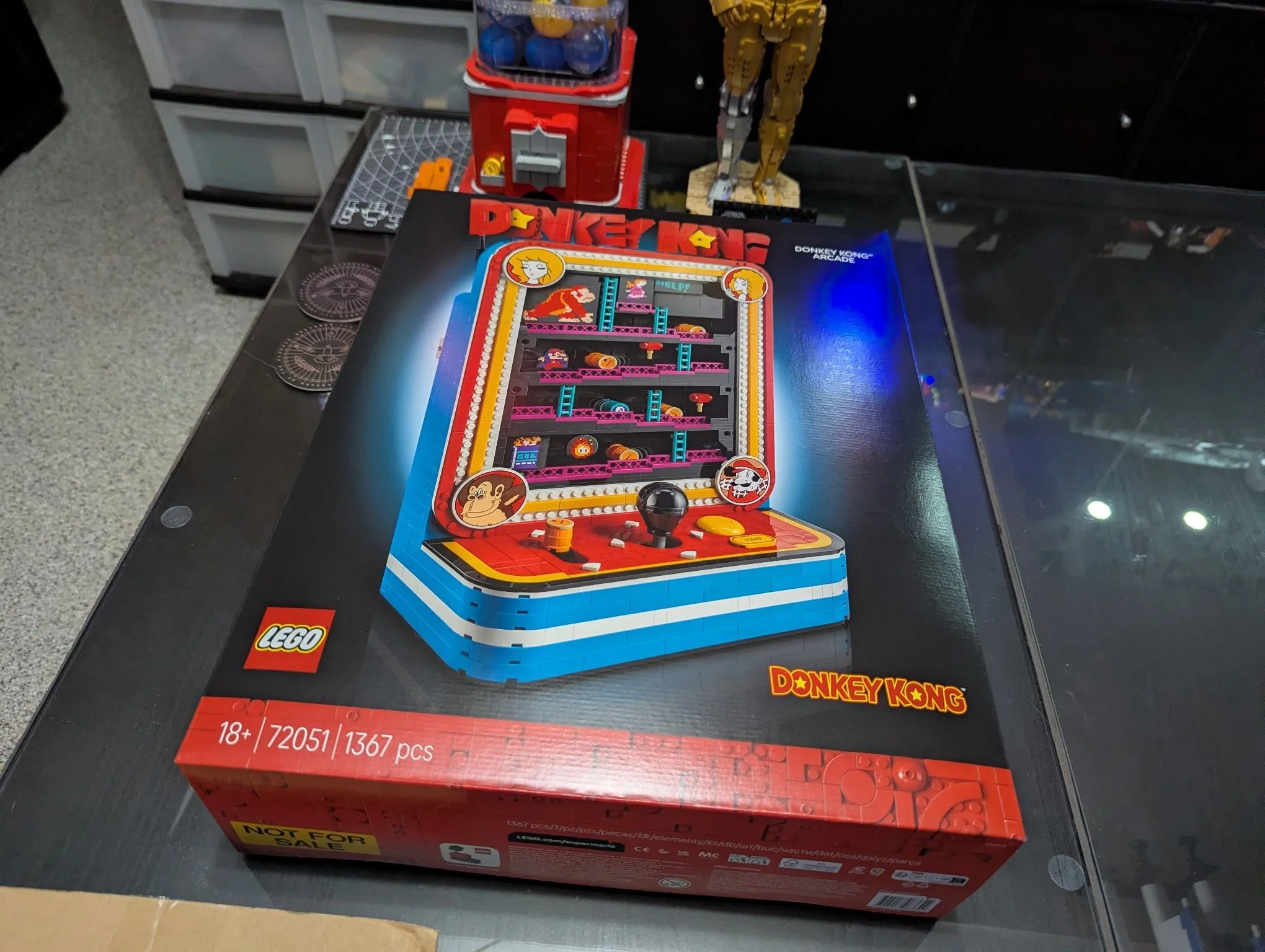
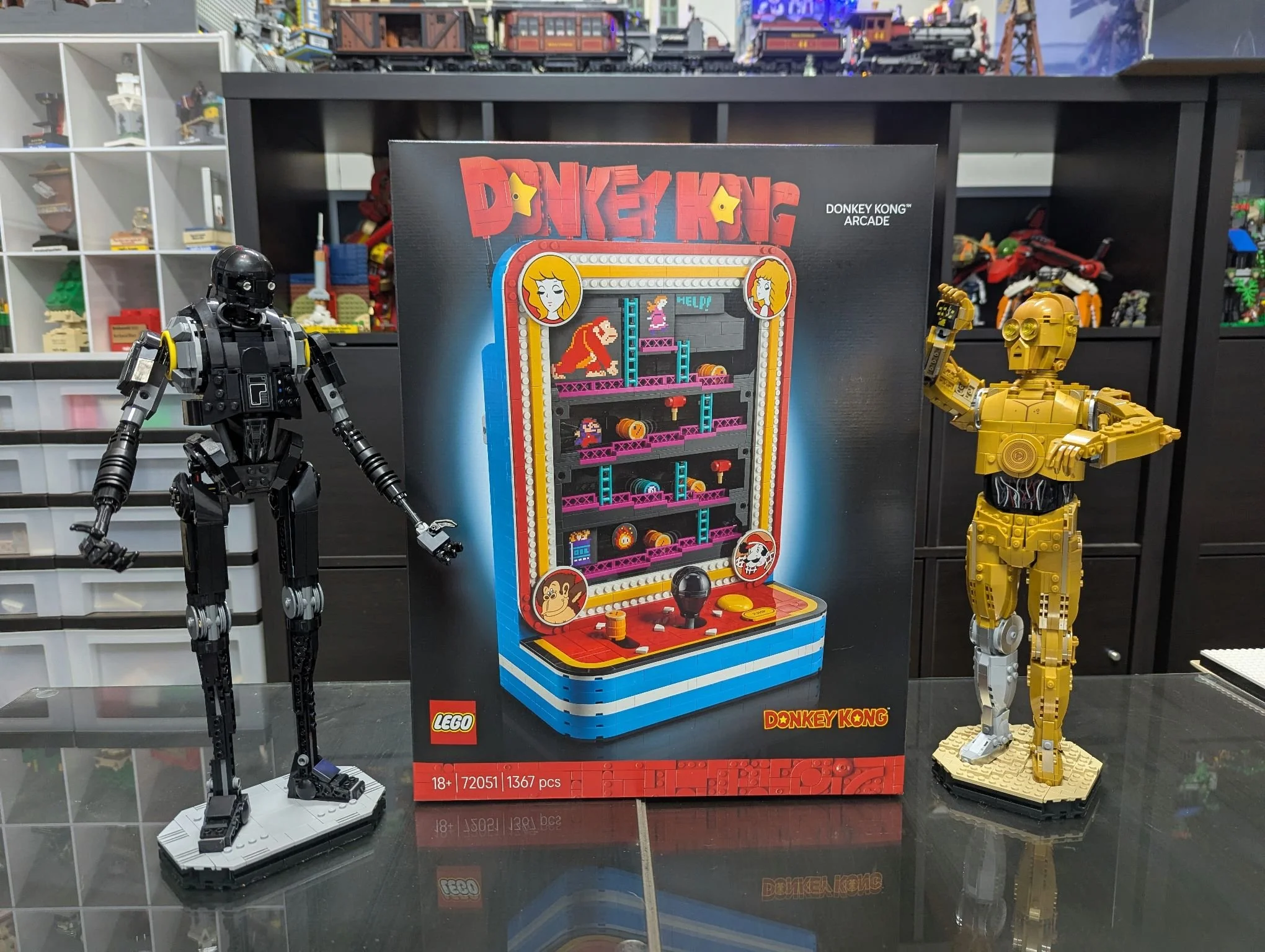
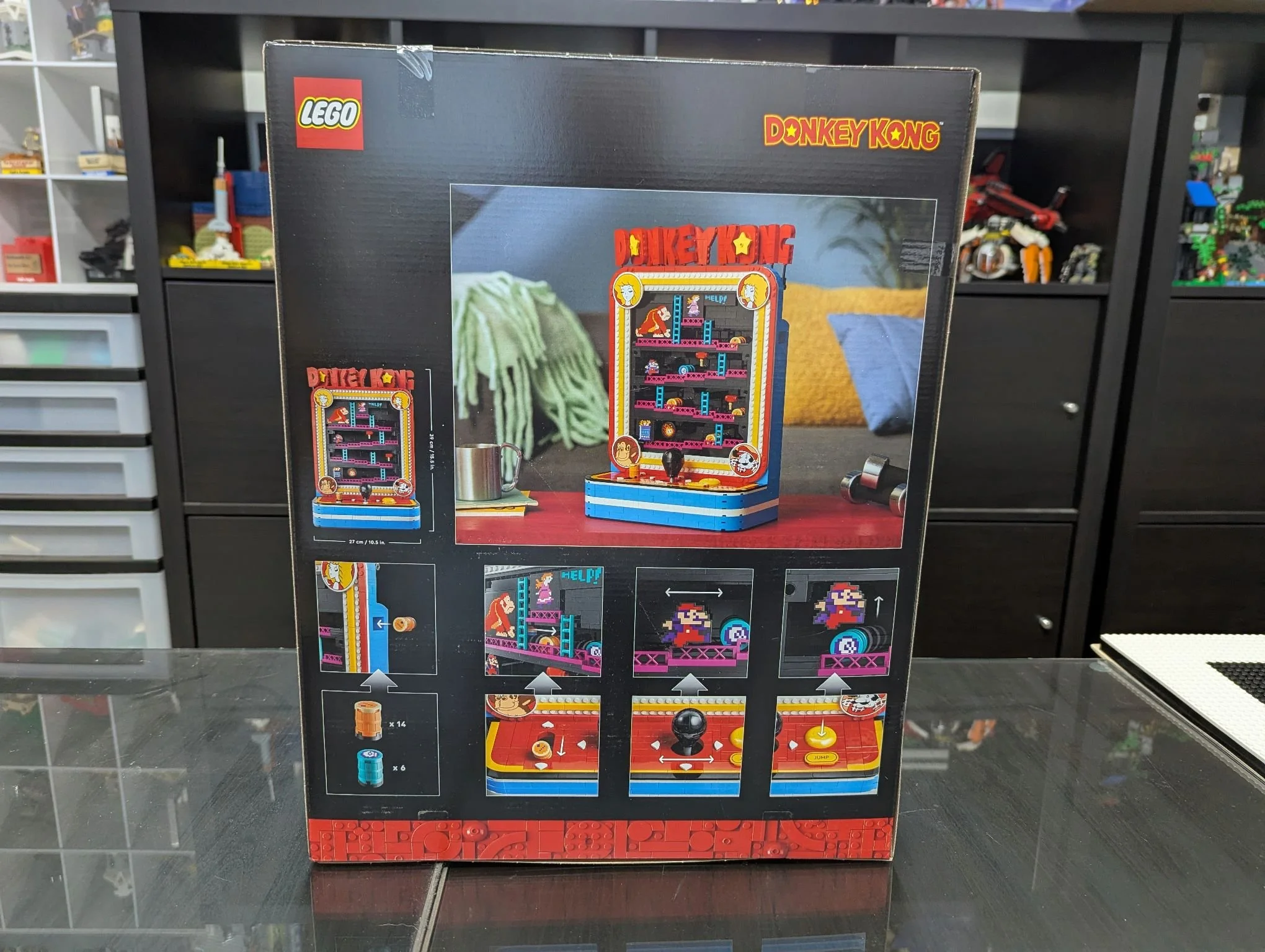
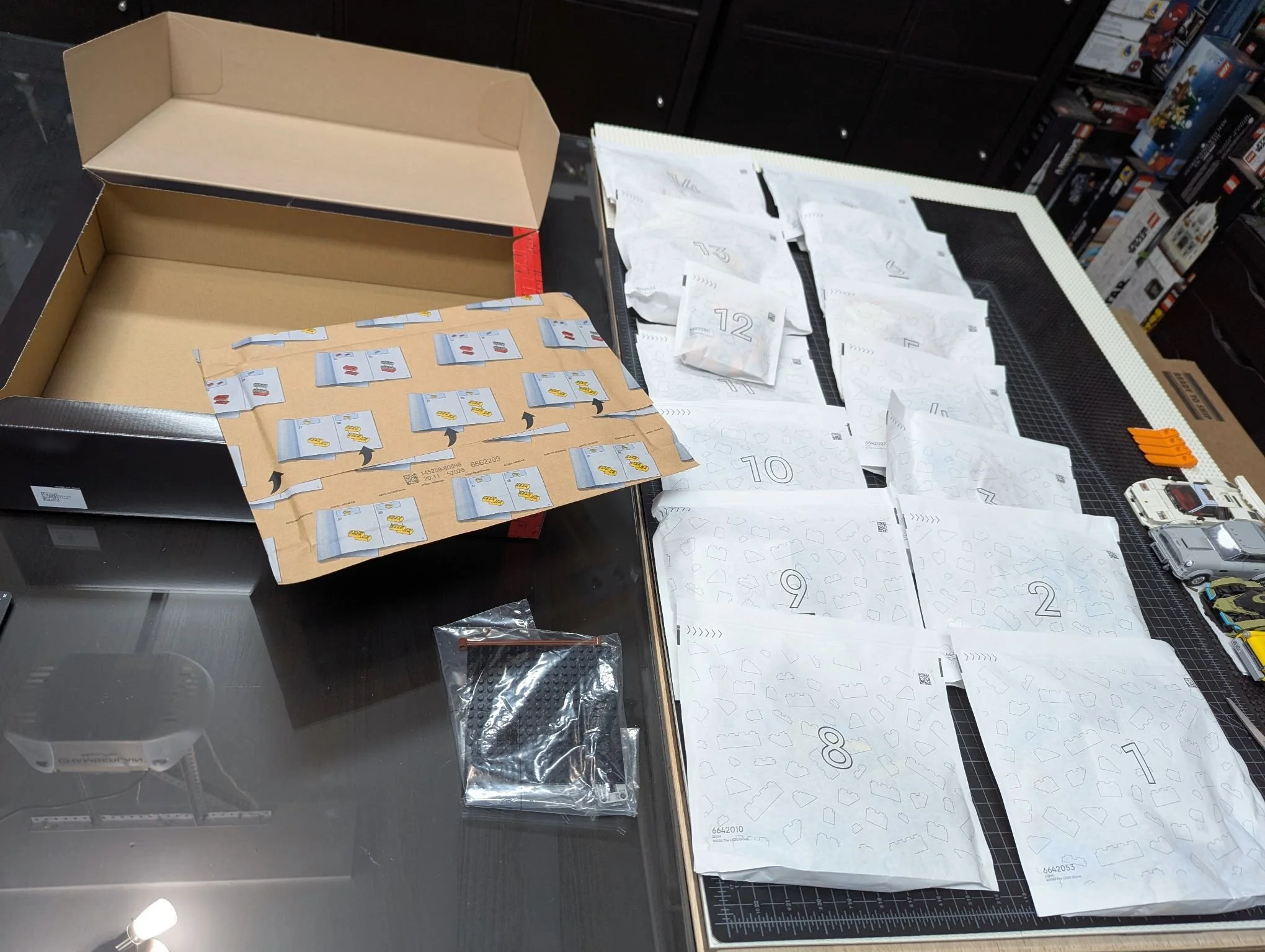
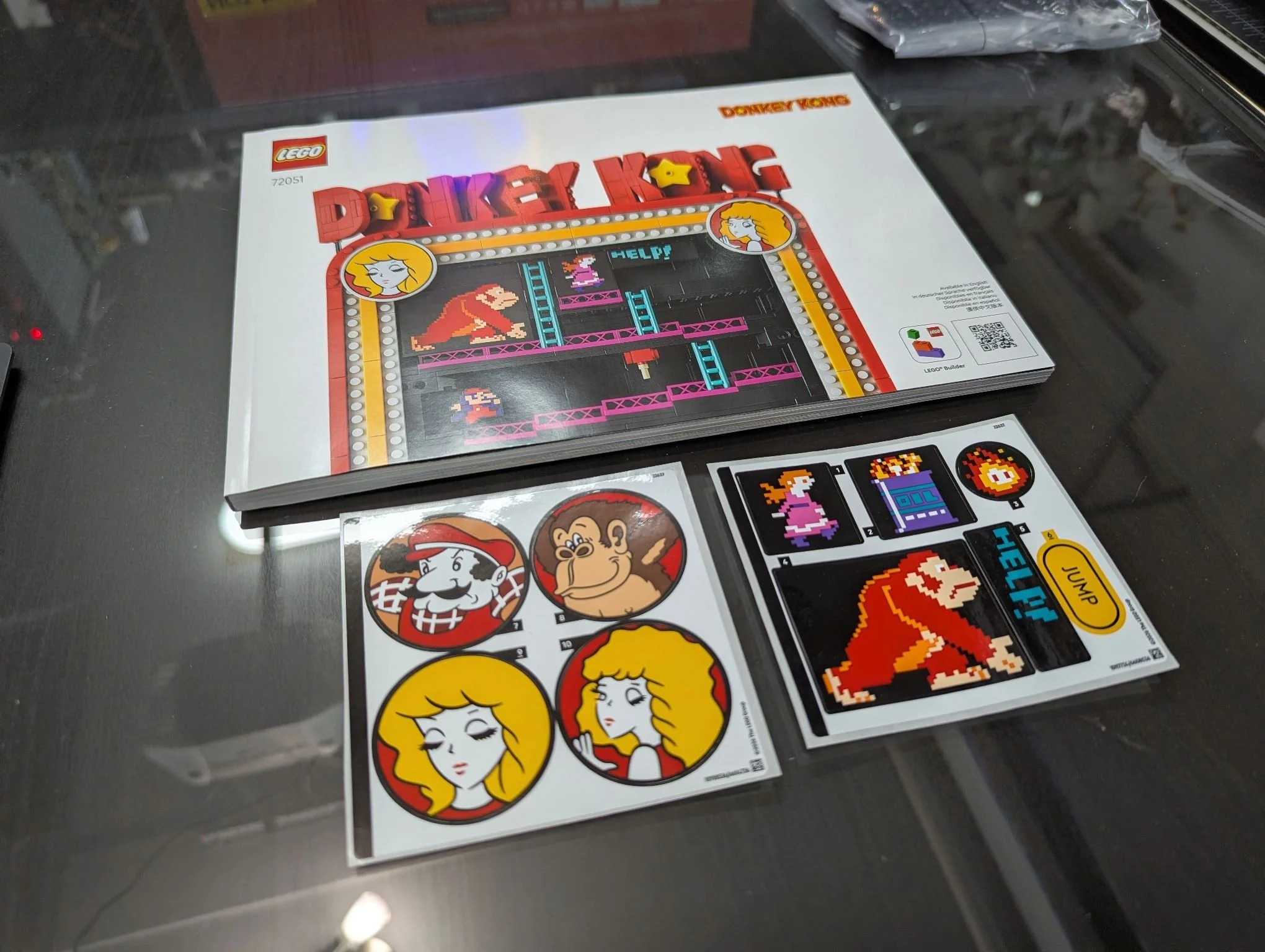
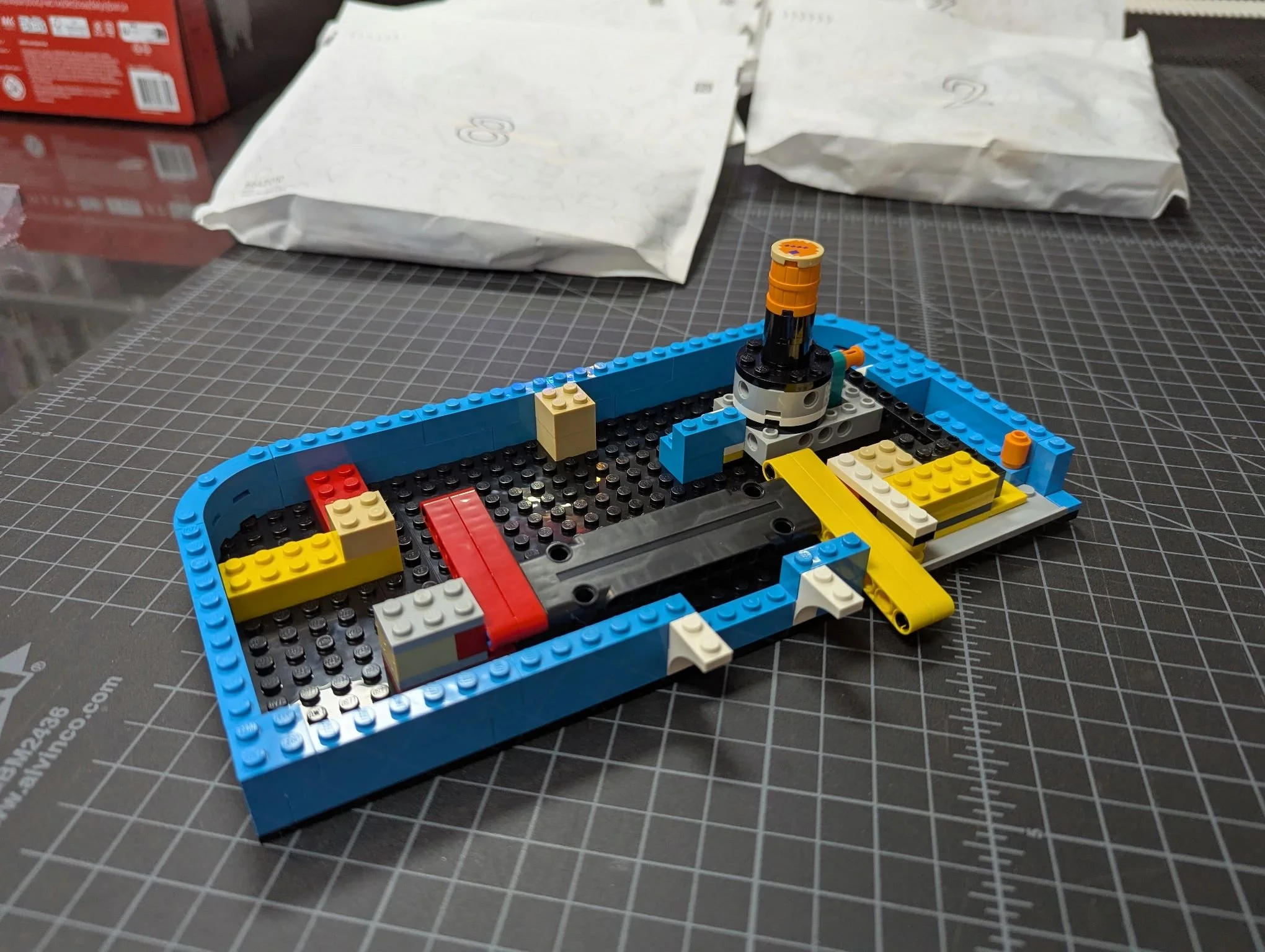
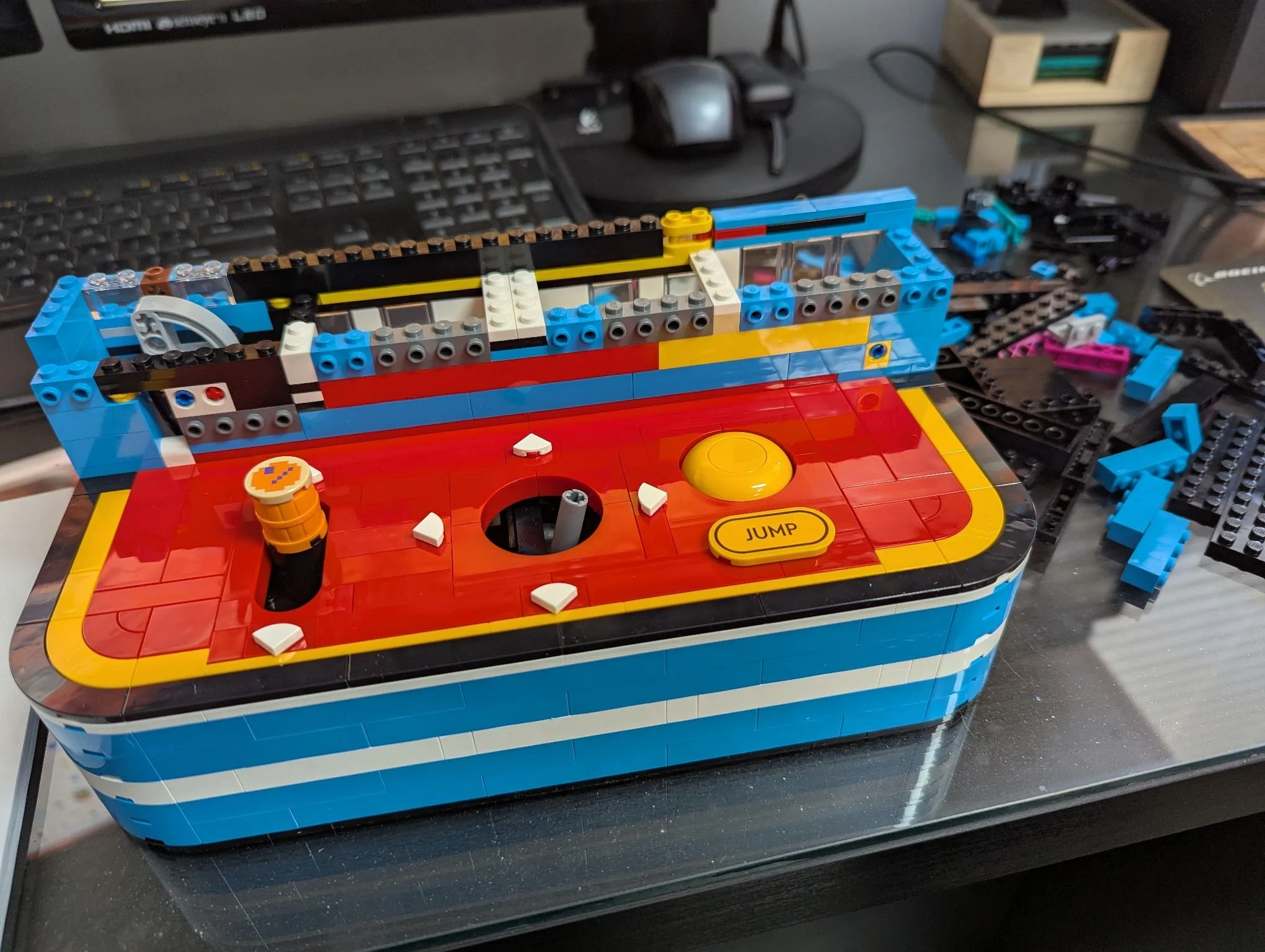
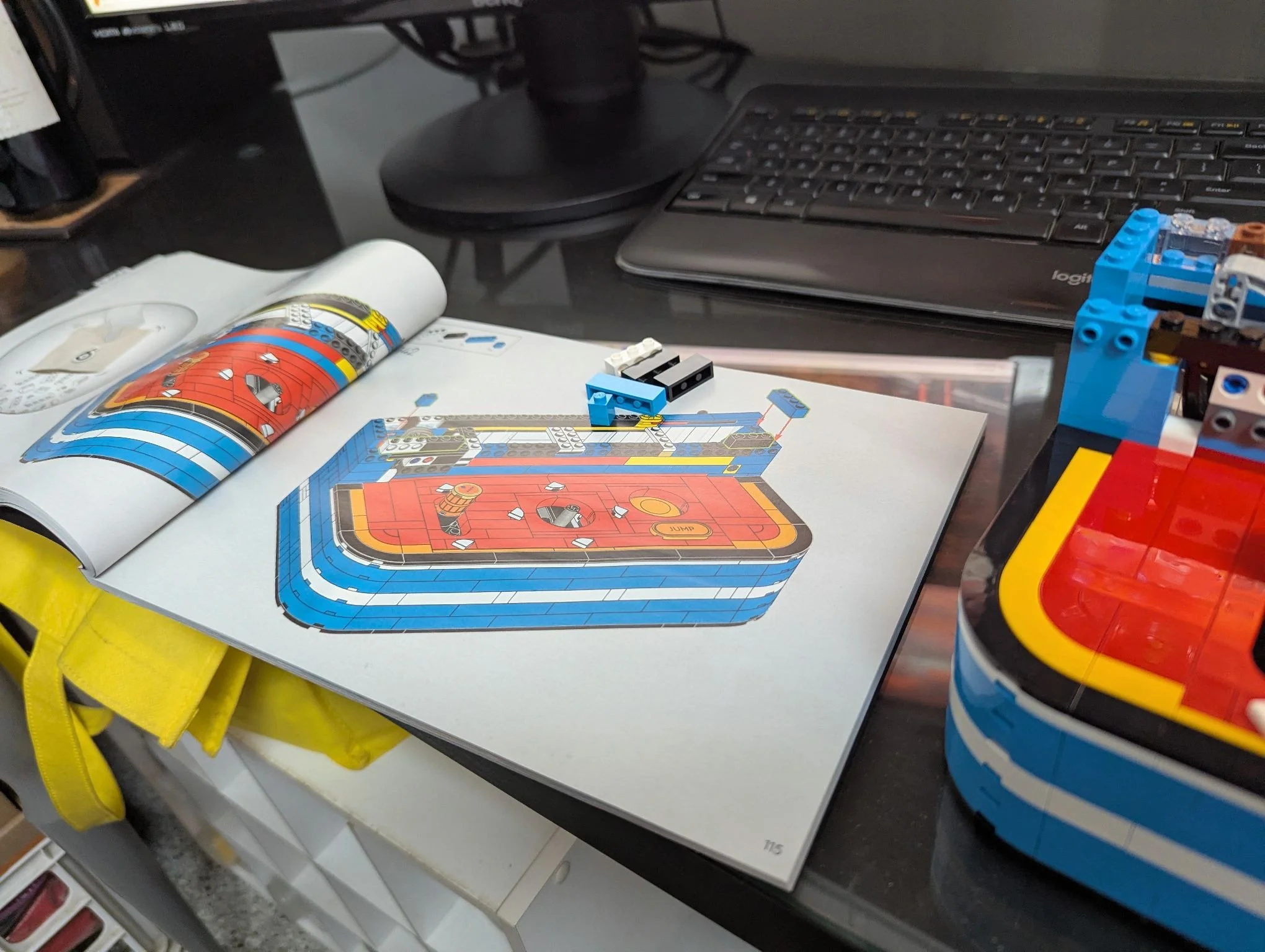
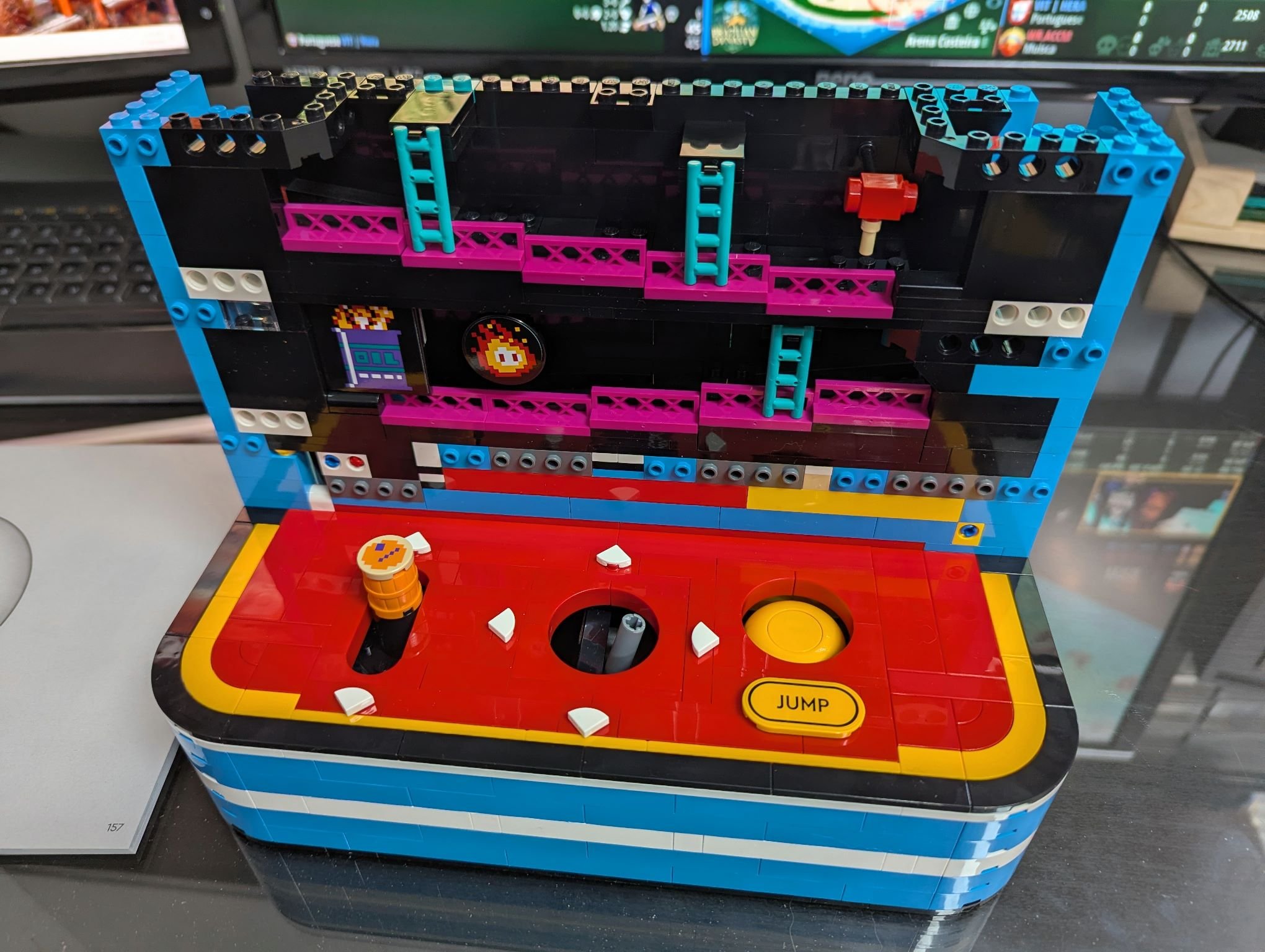
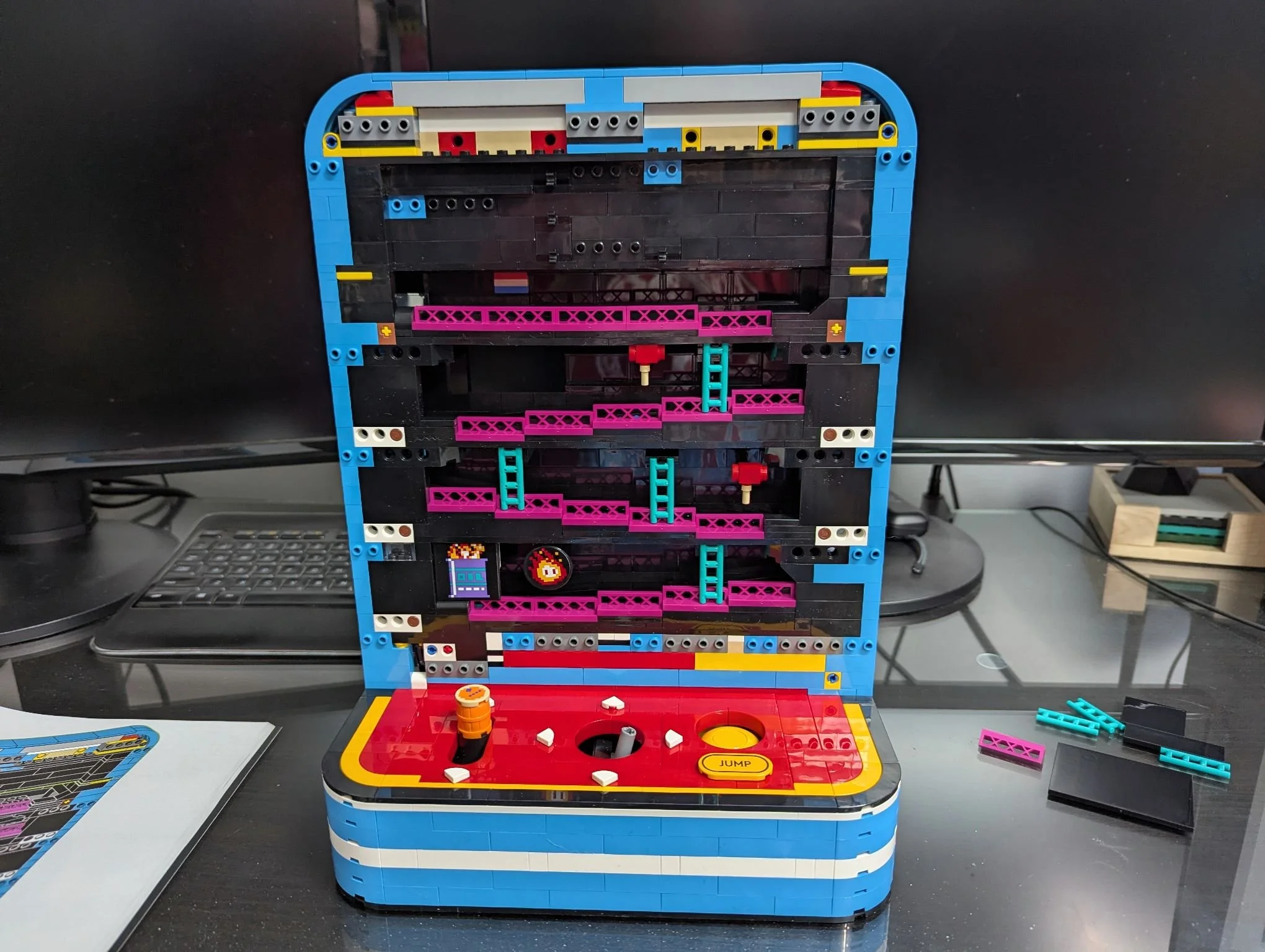
Now let’s talk instead about what zany thing we’ll be doing with LEGO Donkey Kong!
Initiating the Idea
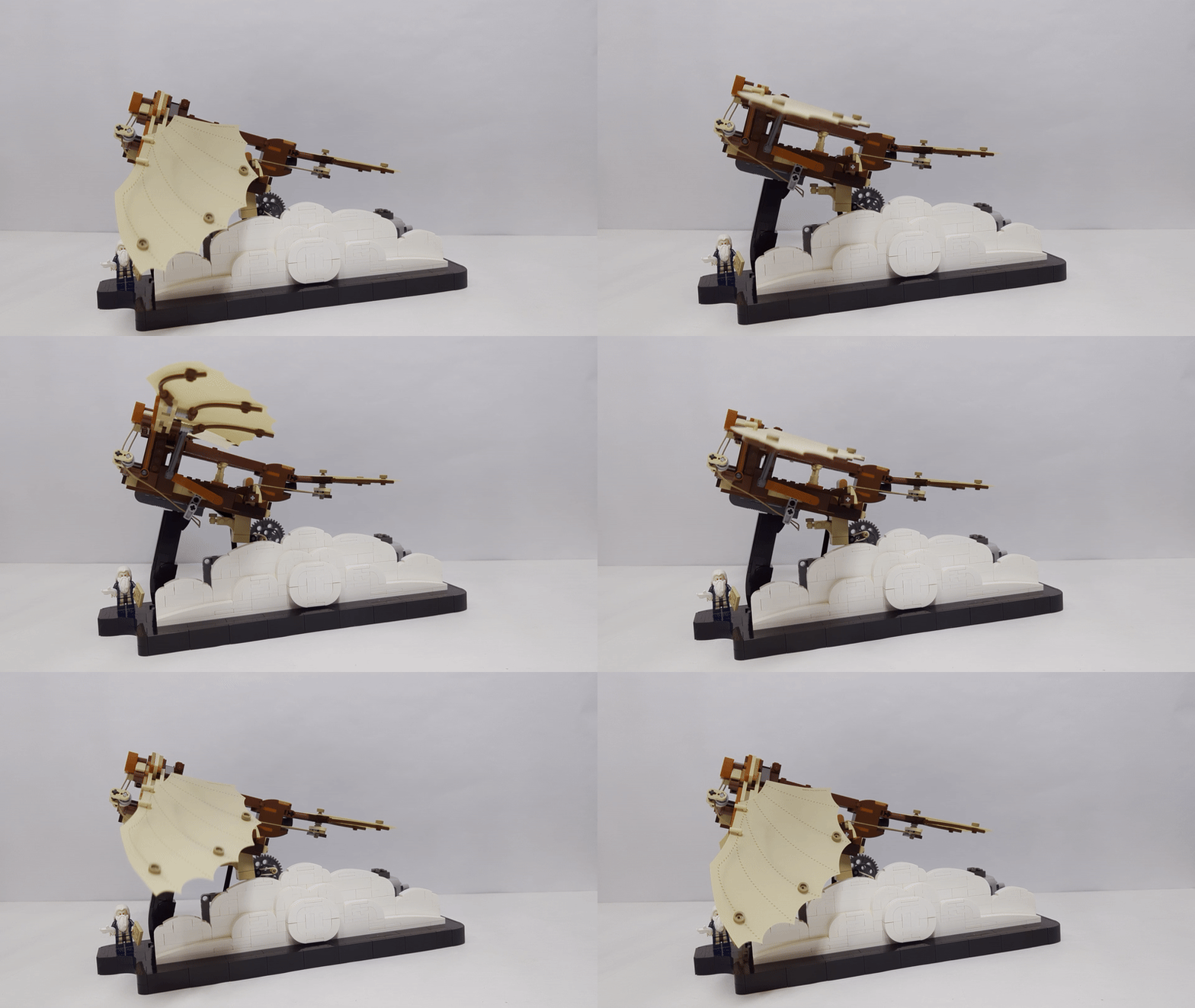
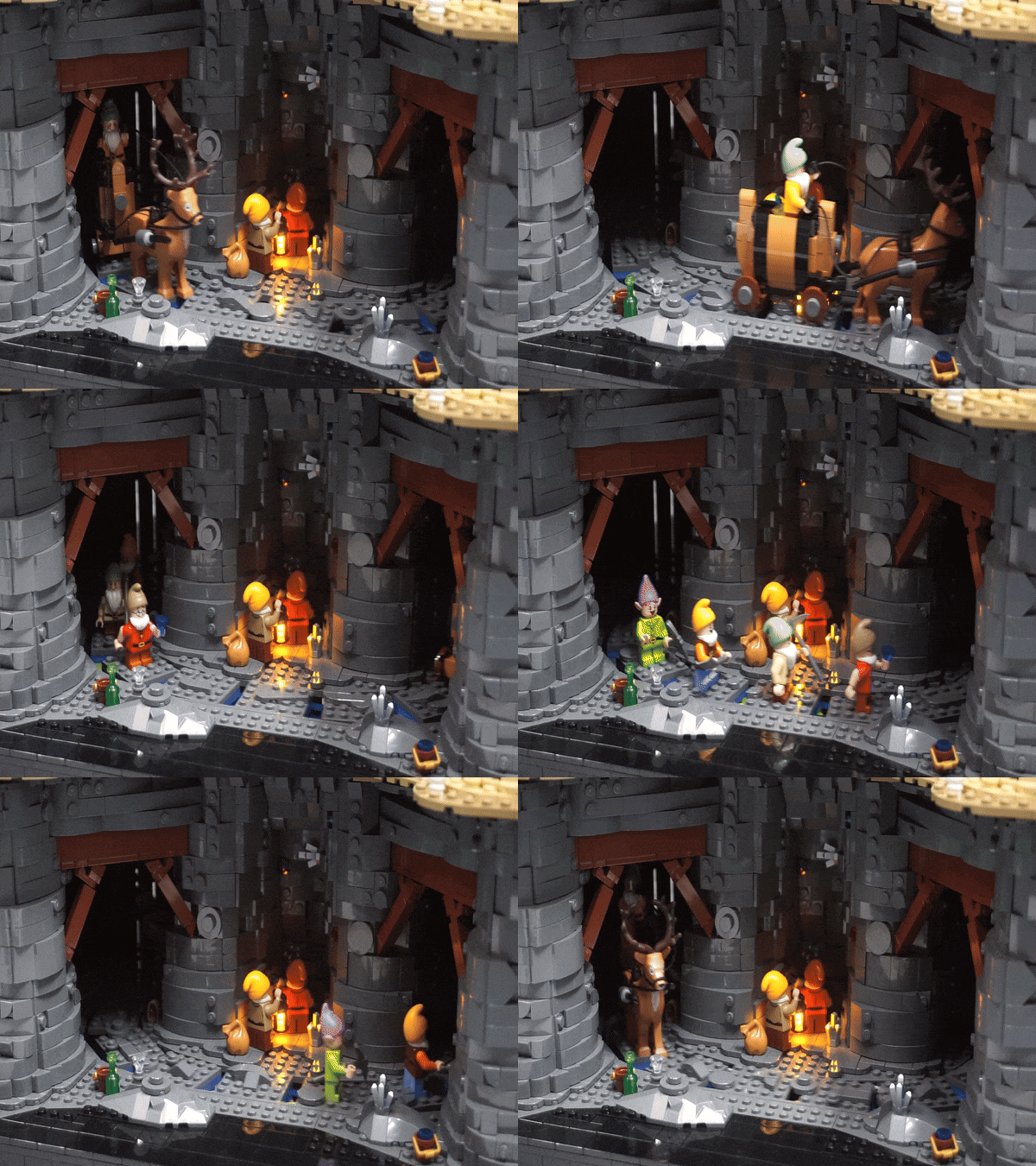
As has happened in the past, our BrickNerd-in-Chief Dave pinged me to ask if I had any interest in an unreleased set that would lend itself to a mechanism-based story. (See my Da Vinci Flying Machine or Snow White set articles). He provided the timeline, and as that seemed workable, we agreed I would take a stab at a Donkey Kong mechanism.
So after some very exciting paperwork, he let LEGO know to ship the set to me, and away we went! To be honest, I didn’t think about it too much from that moment until the set arrived. With a busy summer in full swing, I realized the date Dave and I agreed to was coming up quickly, so I had to build fast—which helped shape my approach.
Concepts
Before I’d even seen the set, my first idea was to make a GBC-style mechanism to return the barrels to the top (or something like that). I had backup ideas like a write-up on Donkey Kong MOCs over the years, or perhaps reskinning the set to another video game, or even building a complementary set of another game. I held high hopes I could do a mechanism of some sort, and I’m glad it worked out.
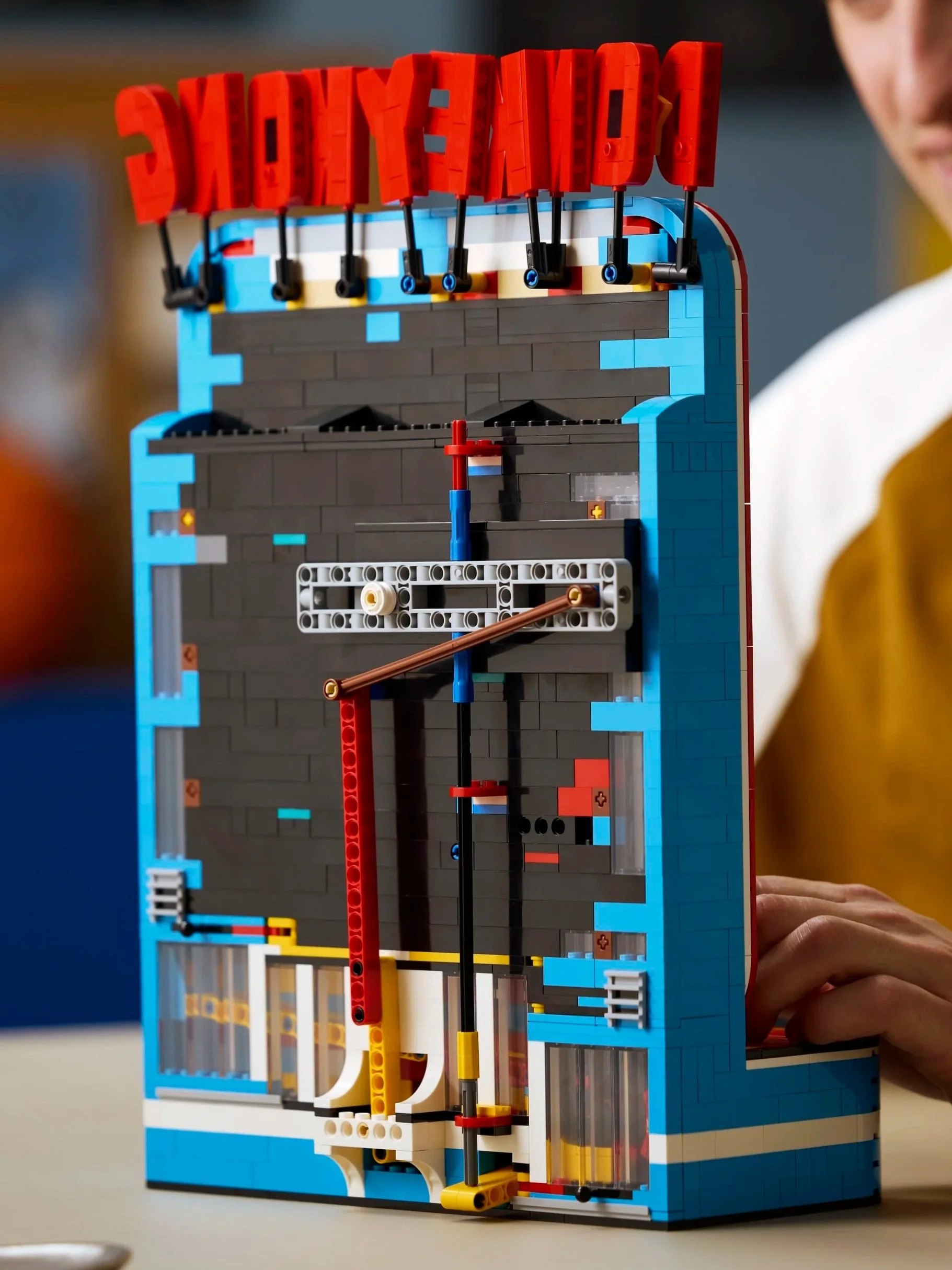
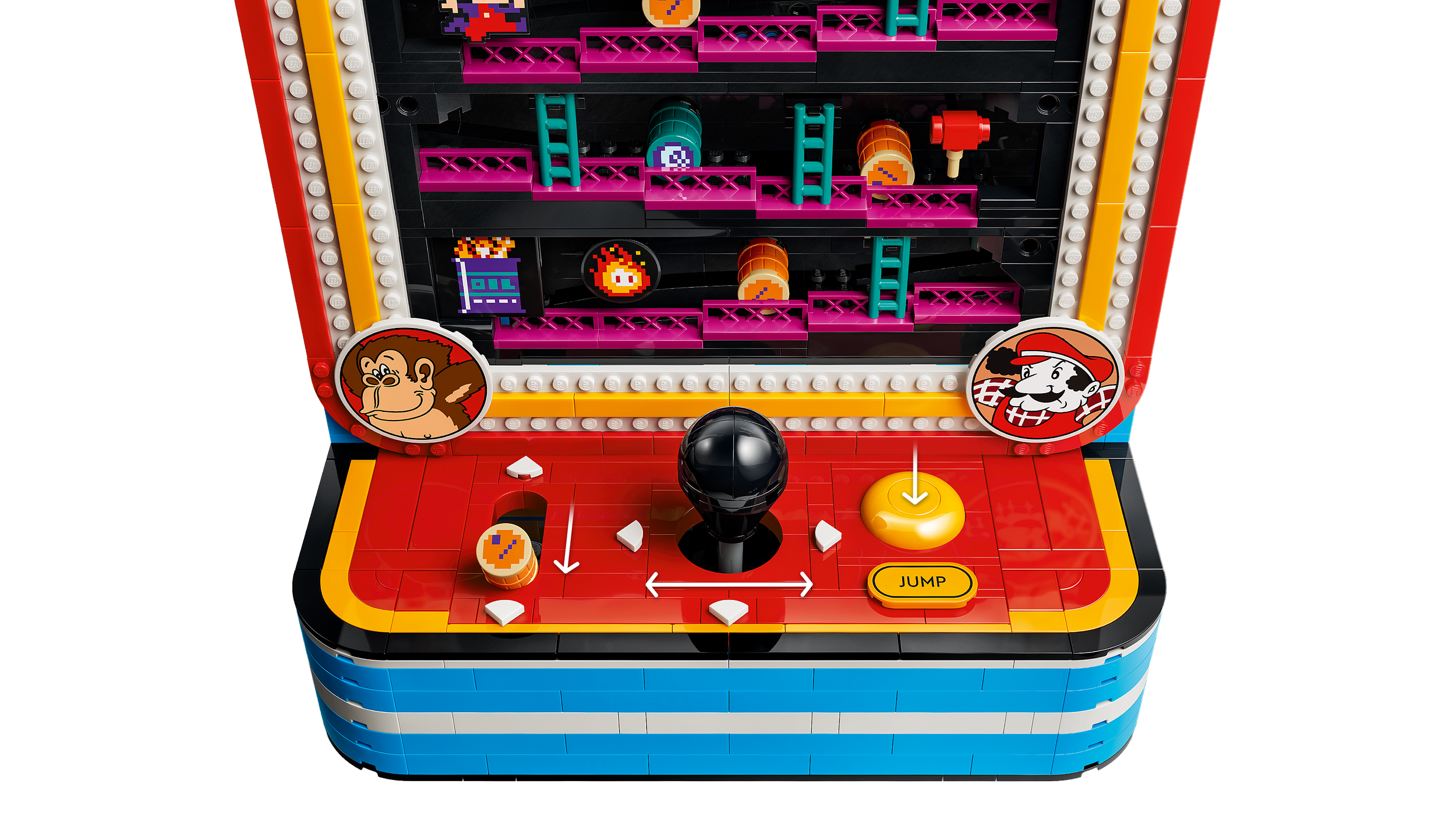
Even after seeing the box images, I hadn’t fully digested how the set worked. But at some point near to completing the set build, I realized, “My goodness, this is already a working GBC… it just needs power!”
So I immediately pivoted from making a barrel return system to making the build run without human power. It was around this time I came up with a tag line to explain my approach, because it’s true:
“The thing is, I'm busy.”
My brilliant idea was to get the game to play itself without needing anything from me.
Motorizing the Set
I dove into the planning for how to motorize the set in a fun way. Of course you could rework their mechanism or tap right into it, but that felt like cheating, eh? With that framework in mind, I initially pictured a somewhat involved mental image of how I’d present the build—bear with me here:
“The viewer is treated to a camera shot that first centers on the game running continuously, then pans out and you see brick built hands controlling the game, then you pan out enough to realize they’re cut off at the wrists and are attached to a mechanism, then further back it’s revealed there’s a brick built Doug in a “Matrix”-like chair plugged into the machine… at that point the whole build is revealed. BUT WAIT! There’s one final camera pan-out which reveals me sitting in a chair nearby not paying attention to it at all!”
Regardless of whether I ever get my goofy camera shot, I mainly stuck to the plan. There were really only two tweaks: First, I had to accept that the time needed to make brick-built hands wasn’t worth it, plus there are three controls and having three hands would be dumb. So I went with clearly simple robotic mechanisms. Second, I decided to save time by using a minifig for the “Matrix”-style chair setup.
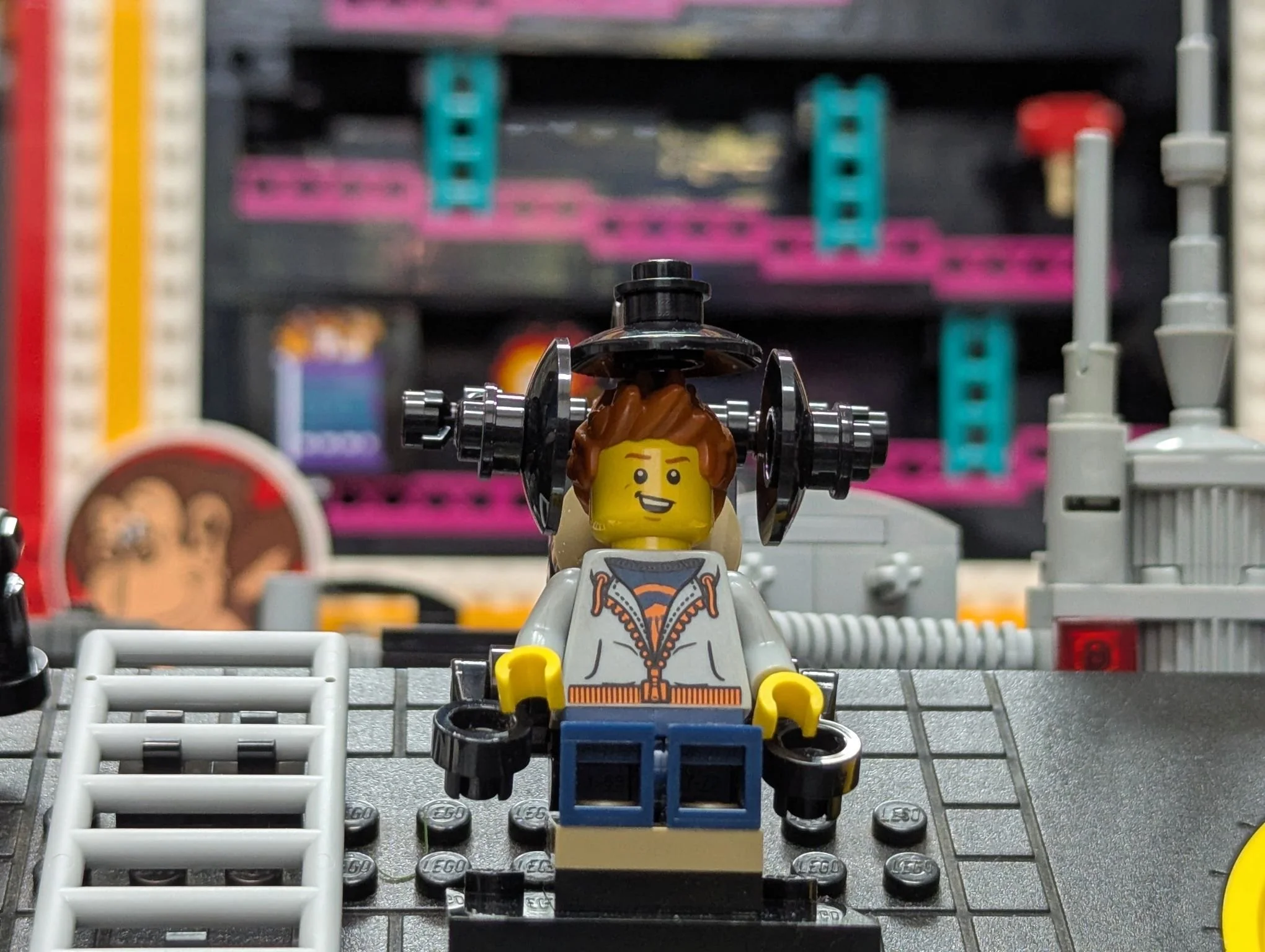
See, no hands—You can use your cellphone and play donkey kong at the same time!
The Build
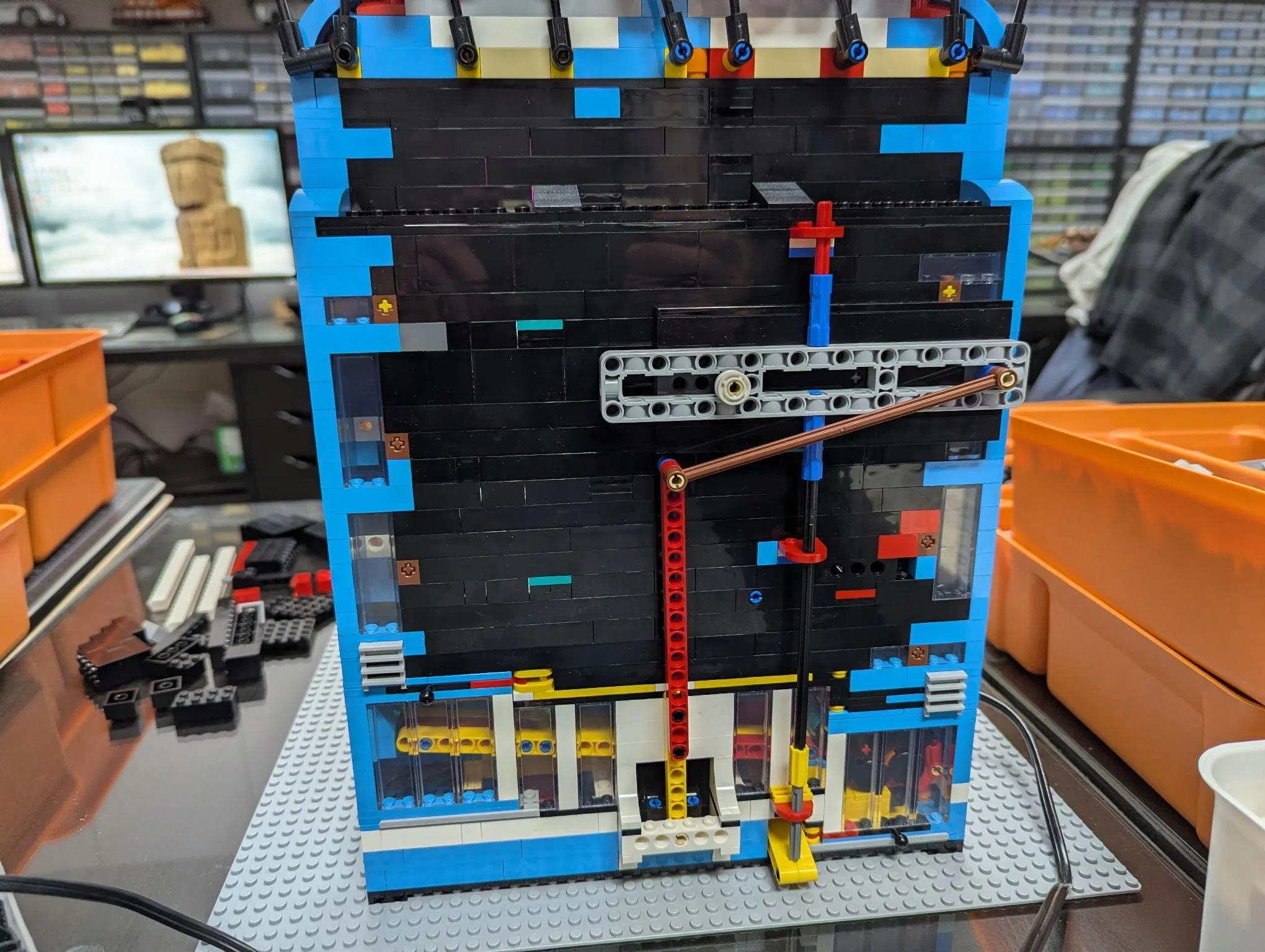
After plopping the Donkey Kong set onto a 48x48 baseplate, I started on the mechanisms. As usual, creating the mechanisms took some fiddling, but it was reasonably quick. There are three mechanisms, which I worked out individually first before tying them all together using a single motor and a chain of gears. None of them are insanely elegant—this needed to be quick—but I went with a simple, repeatable LBG on a black color scheme to leave the set to blaze in its colorful glory!
All three mechanisms use similar simple concepts to translate rotational motion (conveniently supplied by an XL Power Functions motor) into linear motion; they just do it in different ways and to get different results.
First Mechanism
The first mechanism is the simplest; I just needed to pull the barrel lever and then push it back into place to ratchet the barrels. Using a gear and a Technic lift arm, I translated the rotational motion into forward and back motion. I could have gone farther to ensure the mechanism itself only permitted forward and back motion, but the barrel lever conveniently already limits the motion path, so I could go very simple.
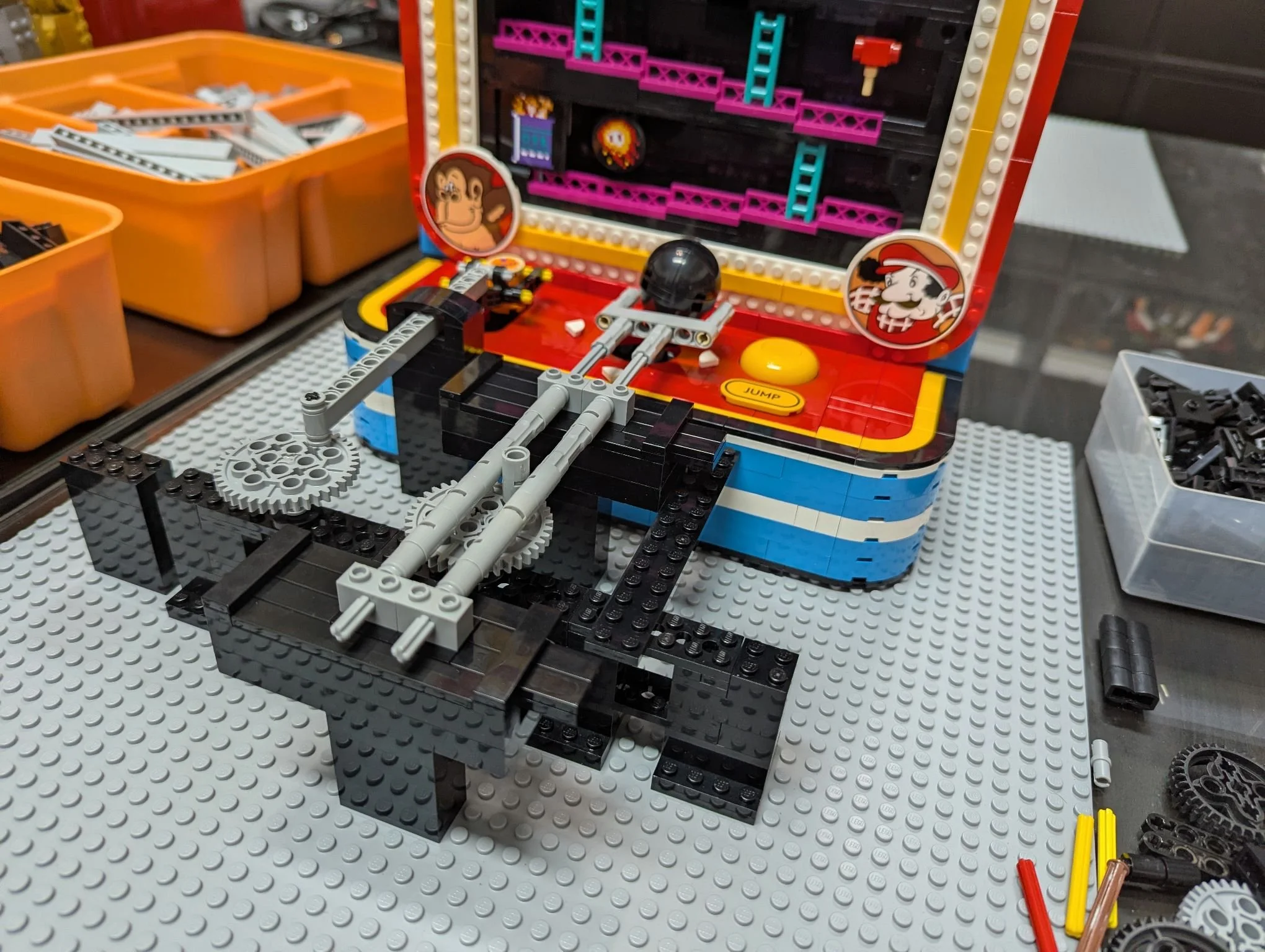
First Mechanism on the Left, Second on the Right
Second Mechanism
The second mechanism needed simple one-directional movement, but in the other direction: side to side to move the joystick and make Mario slide left and right. So I used a Technic pin connector attached to a gear to slide a rigid assembly back and forth in sideways slots, and the far end just pushes the joystick to follow along.
Third Mechanism
Finally, the third mechanism needed to push the jump button so Mario could leap over the barrels without creating a blockage and ending the game early. This took a couple of tries; the issue was needing a little force to push the button combined with my desire to do this with a similar long arm mechanism like the other two.
In my first attempt (pictured below), I tried to attach the lift arm to a spring in the back, and it pushed the button with some force but made the motor work too hard.
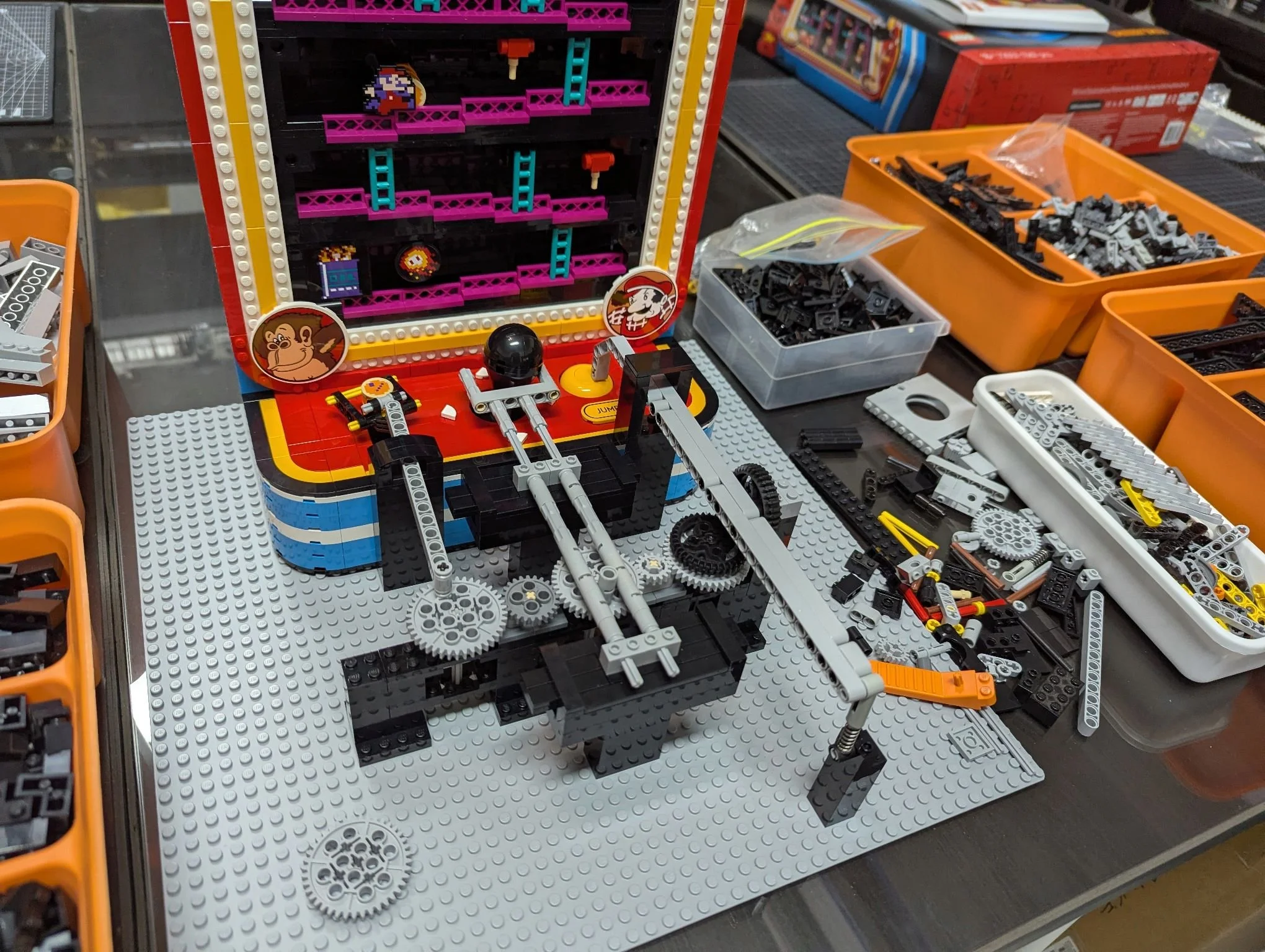
The dud third mechanism
The second (and final) iteration used the concept of a lever. Levers are simply a big stick that has a pivot point or fulcrum in between the thing pushing on the stick, and the thing you want the stick to move. A neat trick of these mechanisms is that you get to work less hard when the pivot point is closer to the thing you’re pushing.
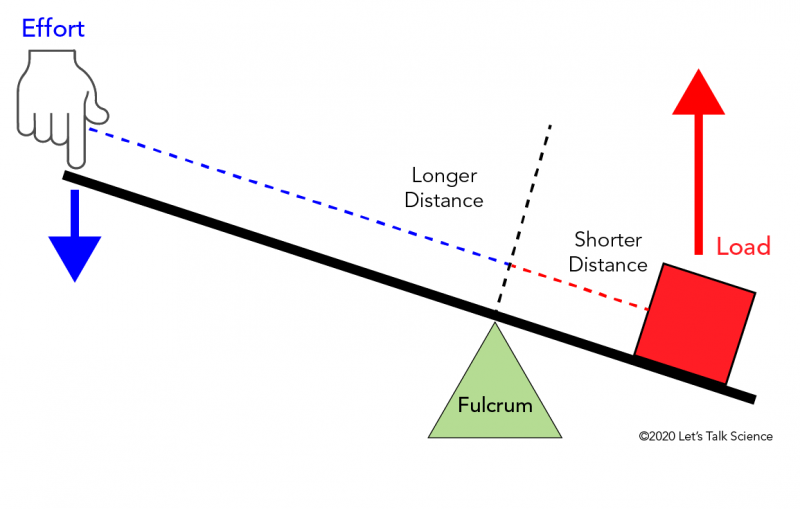
Thanks to Letstalkscience.ca for the handy graphic! Blue arrow smaller than red arrow = less work
For this, I wanted the pivot point closer to the jump button, and I wanted a longer distance from the gear to the pivot point. That seems to have done the trick—yay simple physics!
As I said above, at this point my job was to hook the three mechanisms up on a simple train of gears coming directly off an XL Power Functions motor which would be run by a train controller.
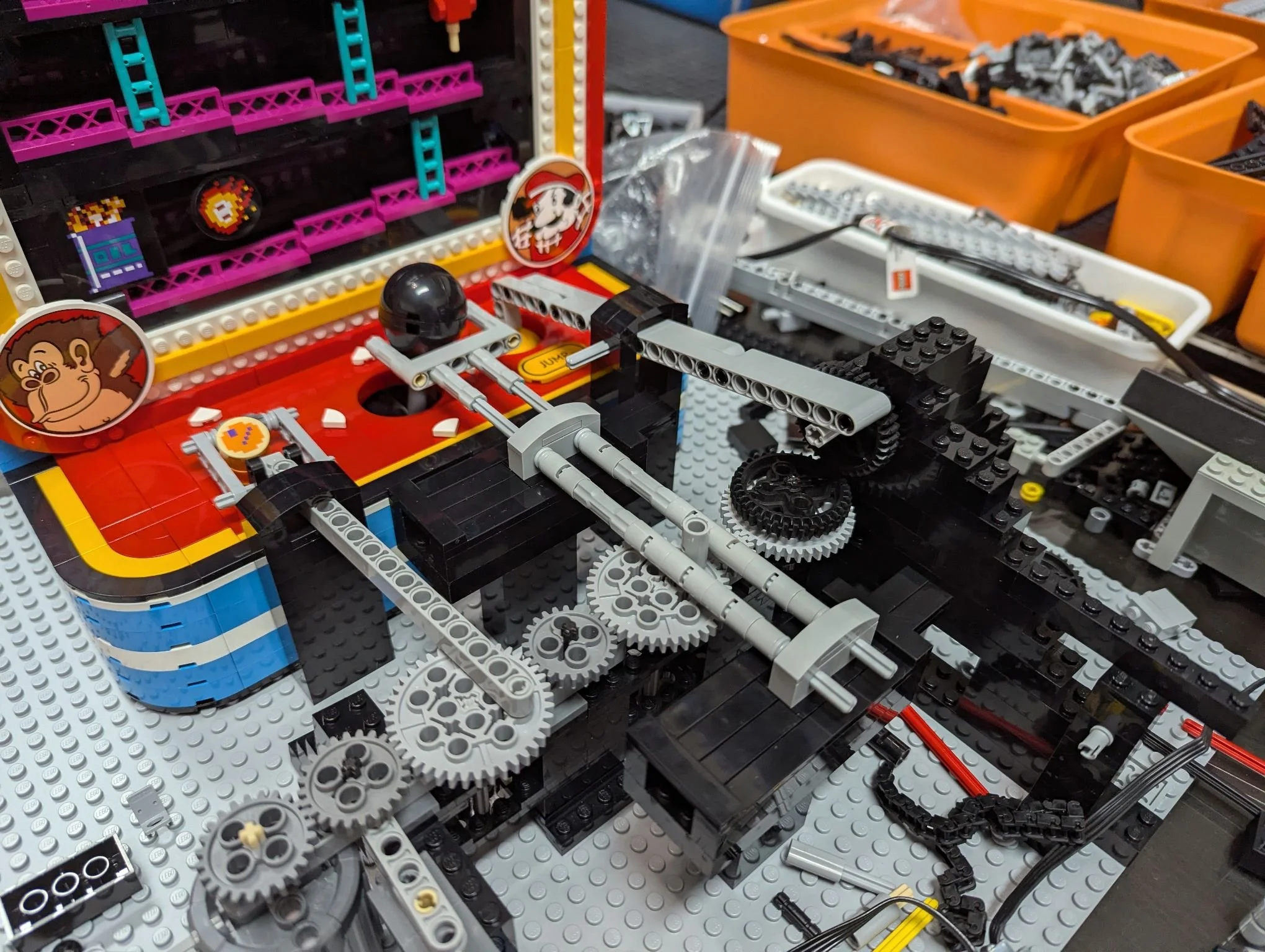
See the pivot is the grey axle much closer to the jump button
Making it Pretty
Now that I had a working mechanism, the job was to turn this into a snazzy presentation… quickly. I went to ye olde tried-and-true “white box with a smaller black box on top,” with as much of the mechanism visible as possible for a little show. At some point I also decided to include the train controller up front, and put the minifigure and his little matrix mind-reading chair right on it.
There’s not much to say here; I have a decent amount of SNOT black brick built into the black box since I have a lot of brick in that color… and some areas like the arches are to snugly enclose the rounded base of the arcade game style set needed to be SNOTted anyway. I think it came out nice and tidy!
And now for the full video:
Conclusions
Well there you have it, the one and only Kong-o-Matic 2000 at your service! I hope you enjoyed reading about my fun little project here, and I hope you get a chance to try out the LEGO Super Mario 72051 Donkey Kong Arcade, perhaps even mess with some mechanisms yourself. Let us know in the comments if you have any creative ideas you’d like to share! Thanks for stopping by!
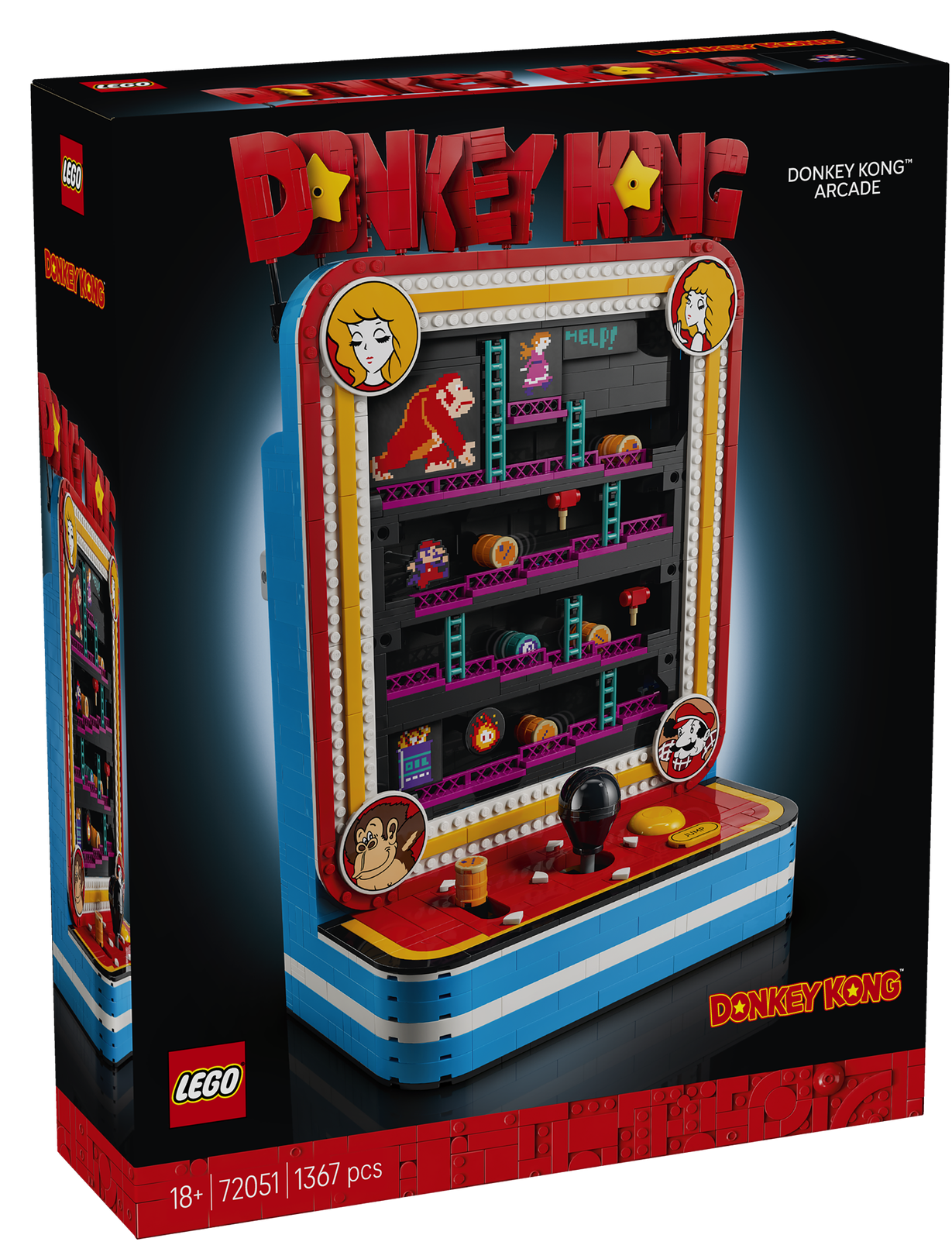
If you could automate any LEGO set, which one would you choose? Let us know in the comments below!
Do you want to help BrickNerd continue publishing articles like this one? Become a top patron like Paige Mueller, Rob Klingberg from Brickstuff, John & Joshua Hanlon from Beyond the Brick, Megan Lum, Andy Price, Lukas Kurth from StoneWars, Wayne Tyler, Dan Church, Roxanne Baxter, and Marci Hollingsworth to show your support, get early access, exclusive swag and more.